Graced Goods Bakery is partnering with the Campbell family to support their sweet cause!
🎉
Order Received!
Thank you, Customer! We've received your cookie order.
📅 Pickup Date:
🍪 Order Summary:
💵 Total: (via )
 Zelle Payment Instructions
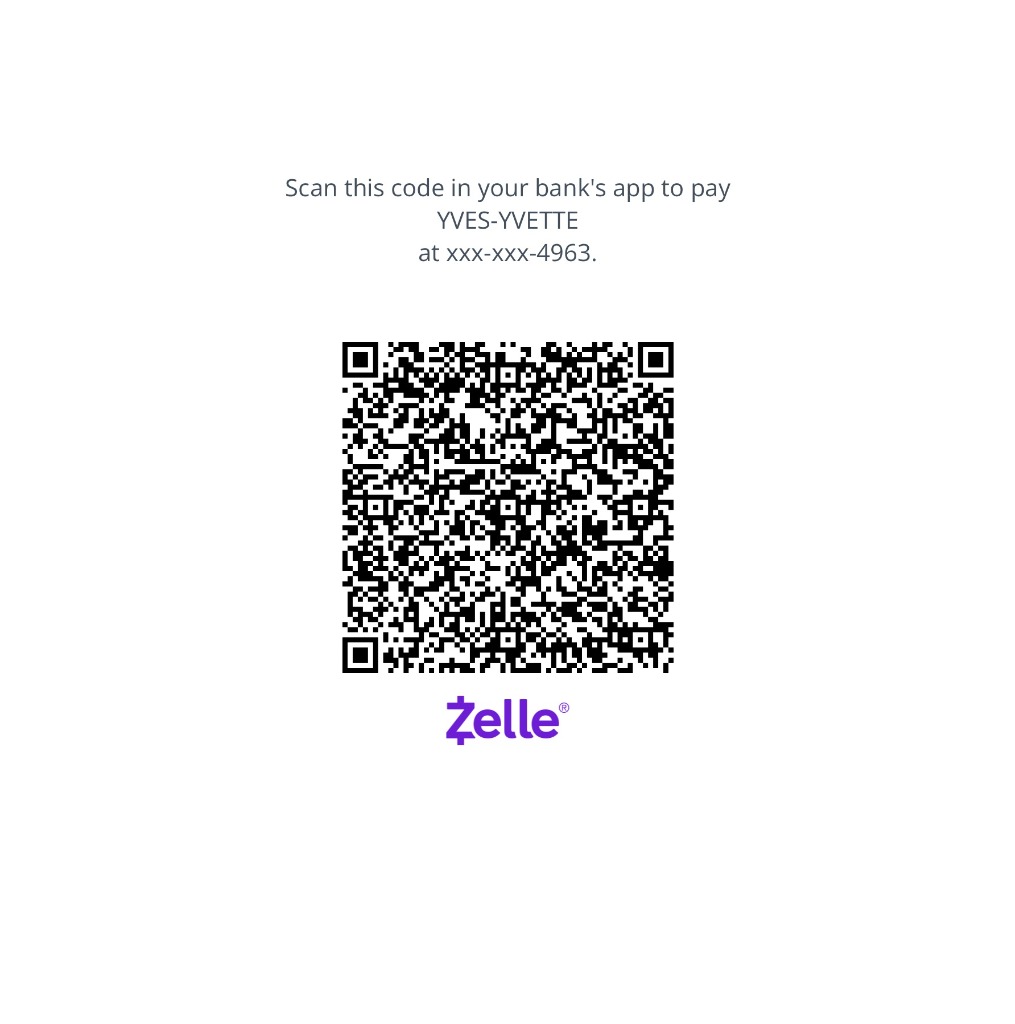
How to scan this QR code using a screenshot:
iPhone
- From a screenshot or saved image: Open the QR code in Photos, then tap the Live Text icon (the little square with lines) in the bottom-right, or just long-press the QR code — a pop-up will offer to open the link.
- Straight from the screen: Take a screenshot of the QR code first (press Side + Volume Up), then open it in Photos and long-press it.
- Control Center shortcut: Add the Code Scanner (Settings → Control Center → add “Code Scanner”) — but this uses the camera, so it’s only for scanning other screens/paper.
Android
- Google Photos: Open the image with the QR code, then tap Lens at the bottom — it’ll detect the code and offer the link.
- Google Lens directly: Open the Lens app (or Lens in the Google app), tap the photo/gallery icon, and pick the QR image.
- Screenshot detection: On many phones (Pixel, Samsung), taking a screenshot of a QR code shows a “Scan” button right in the screenshot preview.
 Venmo Payment QR Code
Send payment to: @YvesEvans
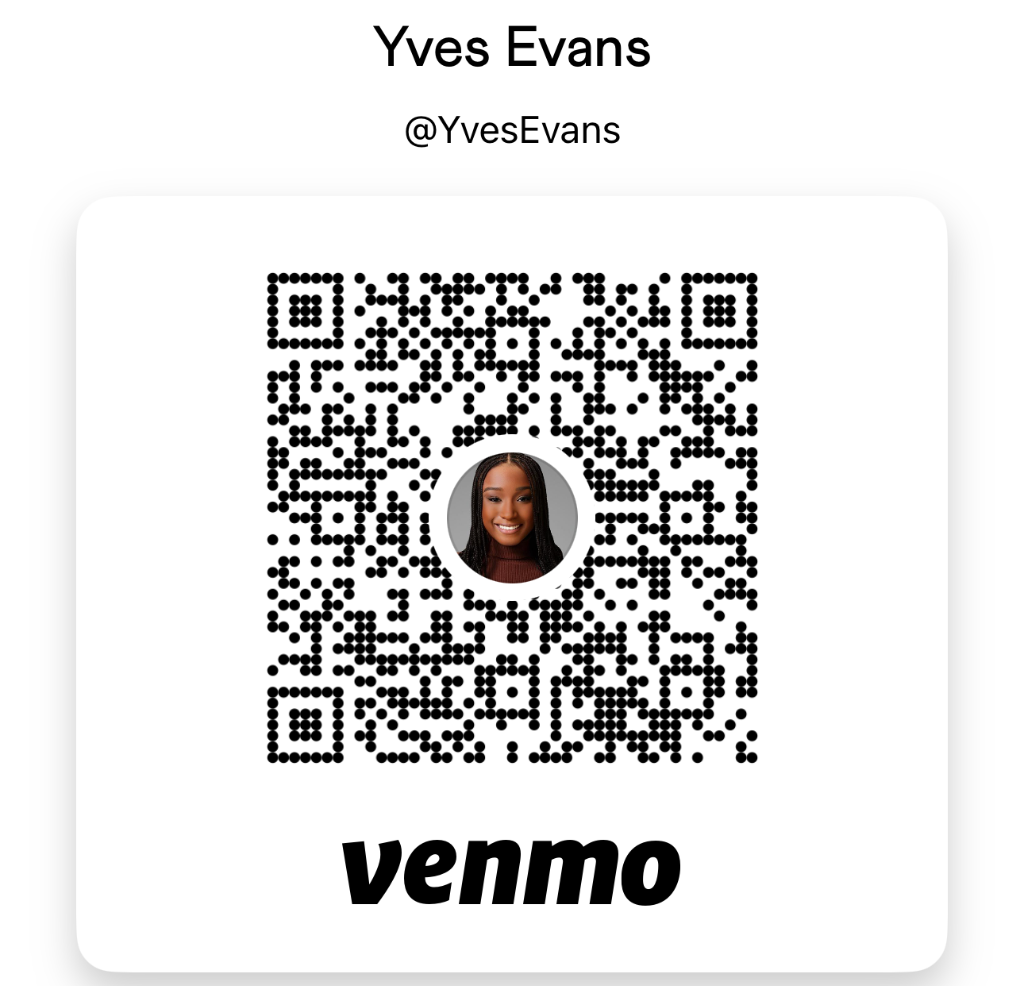
How to scan this QR code using a screenshot:
iPhone
- From a screenshot or saved image: Open the QR code in Photos, then tap the Live Text icon (the little square with lines) in the bottom-right, or just long-press the QR code — a pop-up will offer to open the link.
- Straight from the screen: Take a screenshot of the QR code first (press Side + Volume Up), then open it in Photos and long-press it.
- Control Center shortcut: Add the Code Scanner (Settings → Control Center → add “Code Scanner”) — but this uses the camera, so it’s only for scanning other screens/paper.
Android
- Google Photos: Open the image with the QR code, then tap Lens at the bottom — it’ll detect the code and offer the link.
- Google Lens directly: Open the Lens app (or Lens in the Google app), tap the photo/gallery icon, and pick the QR image.
- Screenshot detection: On many phones (Pixel, Samsung), taking a screenshot of a QR code shows a “Scan” button right in the screenshot preview.
Apple Cash Payment Instructions
Please send your Apple Cash payment to (612) 735-4963 via Messages or Wallet on your Apple device. Please include your name in the iMessage with your payment so we can match your order.
You will receive a confirmation text once we've received your payment.
🍪
Baking in Progress!
Online ordering is currently paused while we prepare our next batch of fresh cookies. Please check back soon or follow us for updates!
✨ Reopening Soon — Graced Goods Bakery